The commercial invoice is a mandatory document for all international shipments. Customs uses it for:
Verify what the package contains.
Calculate taxes and duties.
Confirm that the shipment complies with the regulations of the destination country.
If the commercial invoice is not correct or is not delivered, the shipment may to be delayed, held or returned.
Generate waybill
After choosing who will pay the customs charges (e.g., Send Guaranteed or recipient pays on receipt) and check that all the shipment information is correct, click on Generate guide.
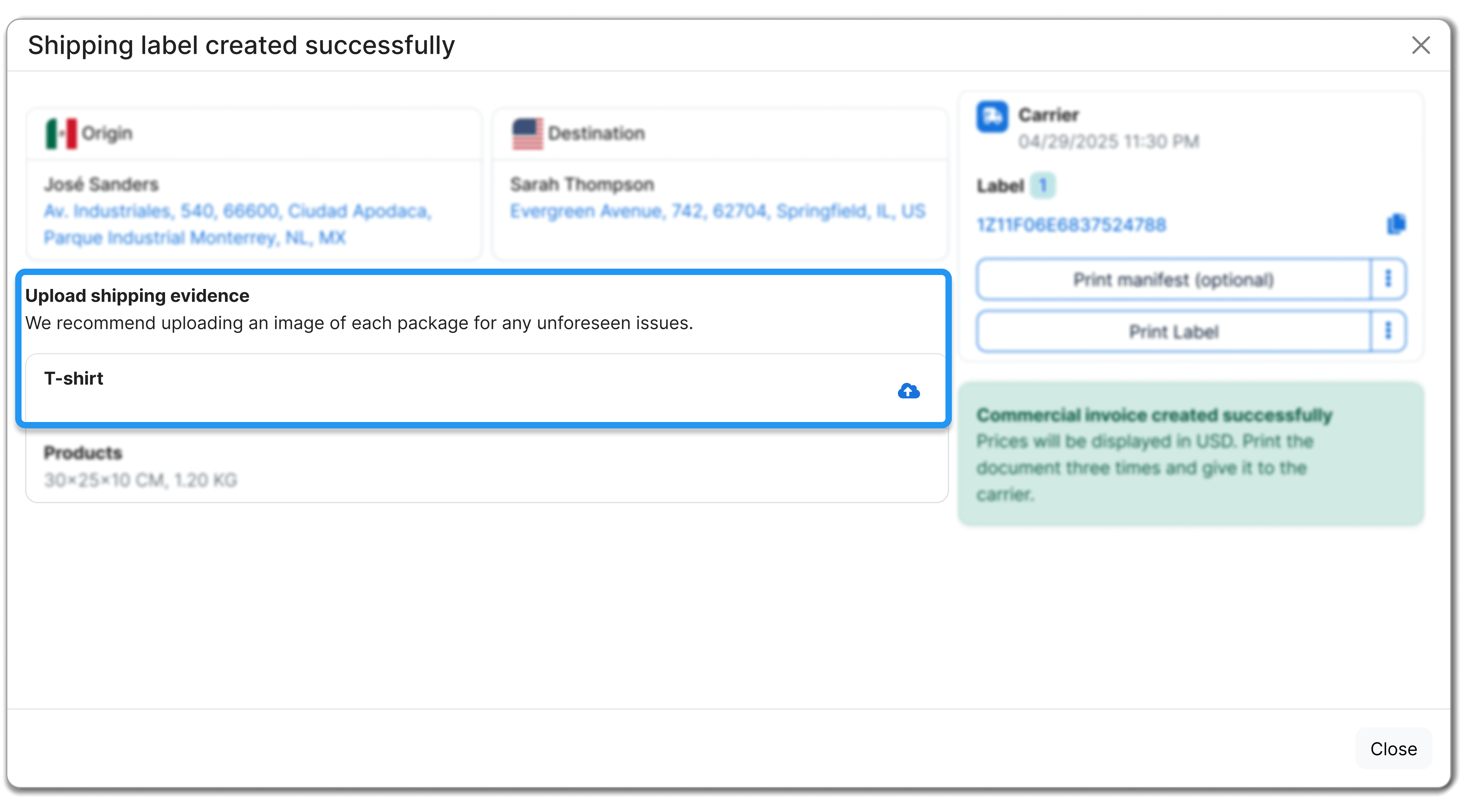
In the confirmation screen you will see:
Confirmation that the guide was created correctly.
Access to download the shipping guide.
Notice that the commercial invoice was generated.
You will also have the option of upload evidence of shipment(e.g. a picture of the package), This can help you to resolve any problems with the package faster.
Download commercial invoice
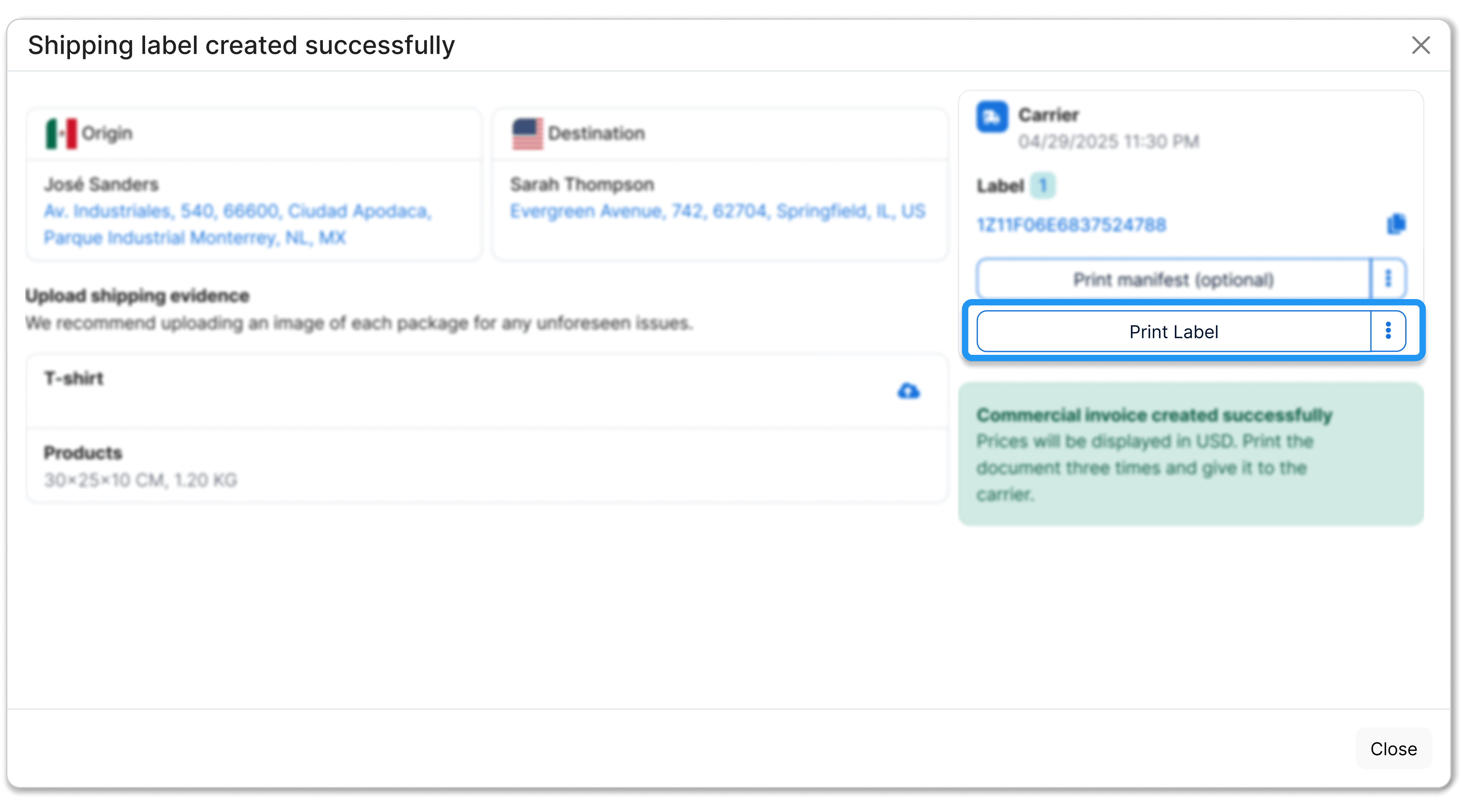
Click Print guide from confirmation of shipment.
The system will download a PDF file that includes:
The waybill.
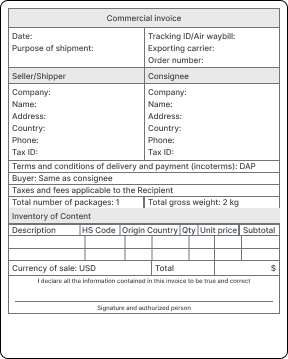
The commercial invoice.
Additional documents, if applicable.
Print the commercial invoice in three copies and give the copies to the carrier along with your package.
Although many destinations use Paperless Trade (PLT) (electronic document delivery), It is recommended to always submit hard copies as a backup.
Avoiding incidents due to incorrect commercial invoices
If the commercial invoice is not delivered or contains errors, situations may occur such as:
Delays in customs clearance.
Requests for additional information.
Package retention.
Return of the shipment to the sender.
Validate that the information is consistent
Customs will compare the information on the commercial invoice with what you declared on the bill of lading. Before delivering the package, check that the following data match:
Declared value
It must be exactly the same on the waybill and on the commercial invoice.









Did you find this resource useful?