






First steps / Account
Verify account
Verification of your account is an essential step in order to activate all platform functions and ensure a secure experience. This process confirms your identity and allows you to ship with full access and accountability.
ℹ️ Automatic verification may take between 1 and 25 minutes. You'll receive a notification via email and WhatsApp when your verification is approved or rejected.
Steps to Verify Your Account
- Log in to Envia.com and go to My company.
- Click the Pending.
- Select the type of verification:
- Legal Representative / Individual — for personal accounts or as a company representative.
- Legal entity — for incorporated companies that require full business verification.
- Select your country of residence.
- Raise the required documents according to your country. You can upload them as a file or use your device's camera.
- Take a selfie in real time with good lighting.
- Click End and please wait while your data is being processed.
ℹ️ If you register as a legal entity: Once your biometric verification is approved, your account gains immediate access to the platform. Your business documents are reviewed at the same time, and once they are approved, your account is fully verified as a business. If the documents are rejected, you do not lose access.
ℹ️ If your country is in the European Union: The process does not include biometric verification. Instead, you will fill out an identification form.
Required documents by country
🇦🇷 Argentina
- National ID Card (with photo)
- CUIT (number)
- Selfie
- Articles of Incorporation
- Power of Attorney of the Legal Representative
- CUIT (document)
- Legal Representative's ID Number
🇧🇷 Brazil
- Identification Card or Driver's License
- CPF
- Selfie
- CNPJ
- Complete certificate
- Identification Document of the Legal Representative
🇨🇦 Canada
- Valid ID or passport
- Tax ID
- Proof of address (no more than 3 months old)
- Articles of Incorporation or Certificate of Incorporation
- Power of attorney
- Tax identification number
- Identification Document of the Legal Representative
🇨🇴 Colombia
- Identity card
- Sole Taxpayer Registry (RUT)
- Selfie
- Certificate of Chamber of Commerce
- RUT (certificate)
- Identification Document of the Legal Representative
🇪🇸 Spain
ℹ️ Spain is part of the European Union — no biometric selfie is required.
- DNI (both sides)
- TAX ID
- Articles of Incorporation
- Power of Attorney of the Representative
- TAX ID
- DNI (both sides) of the Legal Representative
🇬🇹 Guatemala
- Identity card
- RTU
- Selfie
- Articles of Incorporation
- RTU
- Power of attorney of the representative
- Identification Document of the Legal Representative
🇮🇳 India
- PAN Card
- Aadhaar Card, Driver's License, or Passport
- Selfie
- Certificate of Incorporation or Company Identification Number
- Certificate of registration
- Identification Document of the Legal Representative
🇲🇽 Mexico
- INE
- Passport
- Driver's License
- Selfie
- Articles of Incorporation
- Proof of Address (if required)
- Certificate of Tax Status (RFC)
- Power of Attorney for the Representative
- Legal Representative's Identification Document (National ID Card, Passport, or Driver's License)
🇵🇪 Peru
- ID
- RUC
- Selfie
- Articles of Incorporation
- Power of Attorney of the Legal Representative
- RUC
- Proof of address
🇿🇦 South Africa
- DNI
- TAX ID
- Proof of address (no more than 3 months old)
- Certificate of registration
- Tax ID
- Power of attorney
- Identification Document of the Legal Representative
🇬🇧 United Kingdom
- DNI
- TAX ID
- Proof of address (no more than 3 months old)
- Certificate of incorporation
- Power of attorney
- UTR
- Identification Document of the Legal Representative
🇺🇸 United States
- Valid ID card or passport
- NIF / TIN
- Articles of Incorporation or Certificate of Incorporation
- NIF / TIN
- Valid ID card or passport of the legal representative
Common reasons for rejection
Avoid these common mistakes so your verification is approved on the first try.
1. Incorrect or Incomplete Information
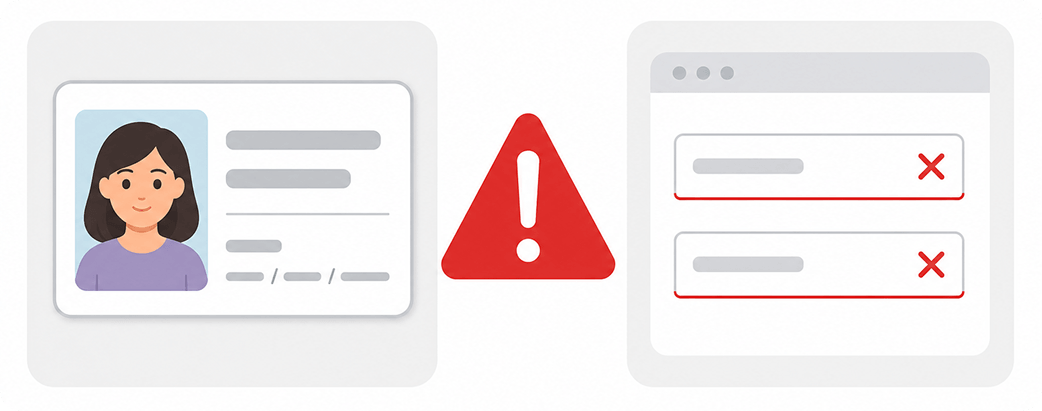
- Inaccurate Personal Data: Make sure that your name, date of birth and other personal data exactly match those on your identity card.
- Incomplete Documents: All required fields must be filled in with the correct information.
2. Selfie Mismatch
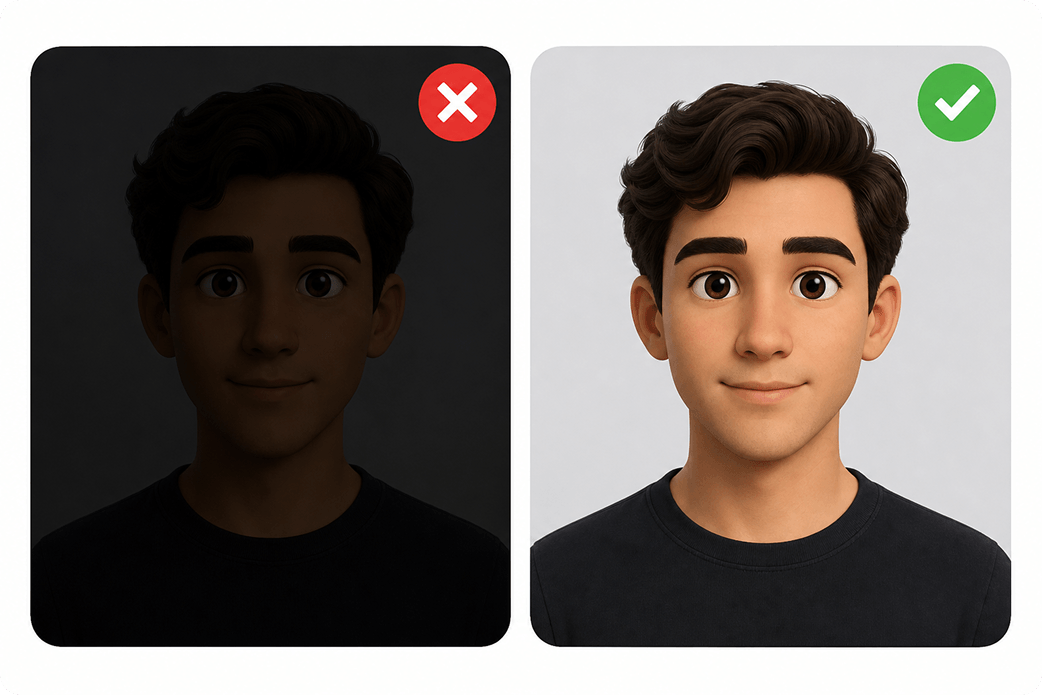
- Your selfie must clearly match the image on your official document.
- The photo must be taken in real time, with good light and sharpness.
3. Unsatisfactory Age
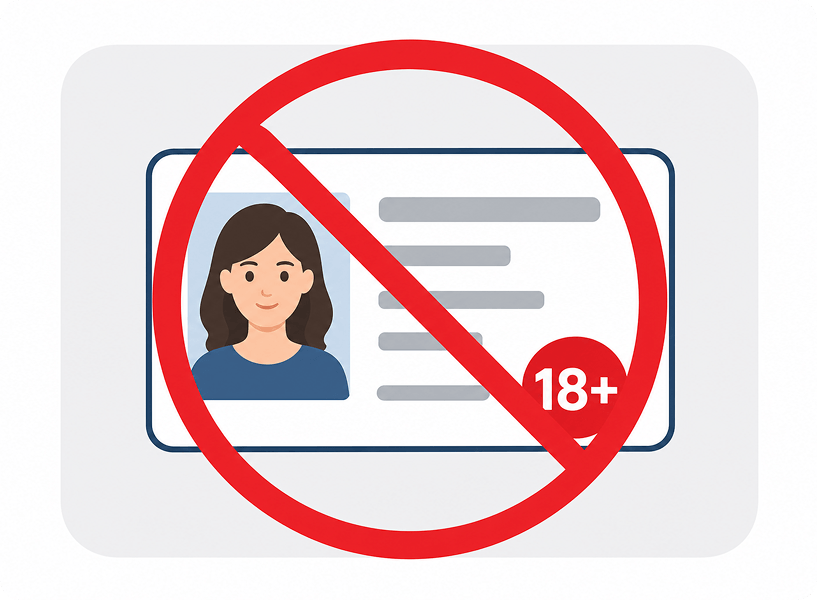
- Verify that you meet the minimum age requirement, according to our Terms and Conditions.
4. Invalid Document
- Must be a valid official document (no school or library cards).
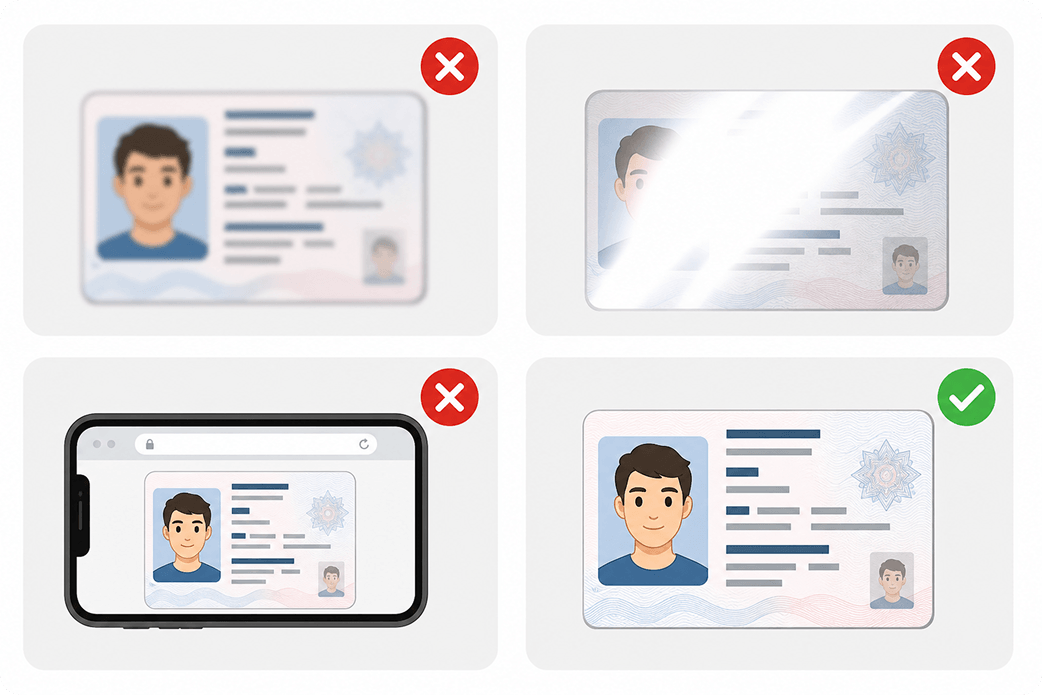
- The quality of the photo provided is inadequate (blurry, dark, reflections, etc.). Be sure to upload a clear, well-lit photo.
- Submitting altered or falsified documents will result in immediate denial of verification.
- Documents or photos that appear to be edited with graphics software will not be accepted. Provide original images without alterations.
- Screenshots of documents are not accepted. Upload photos or clear scans of the original documents.
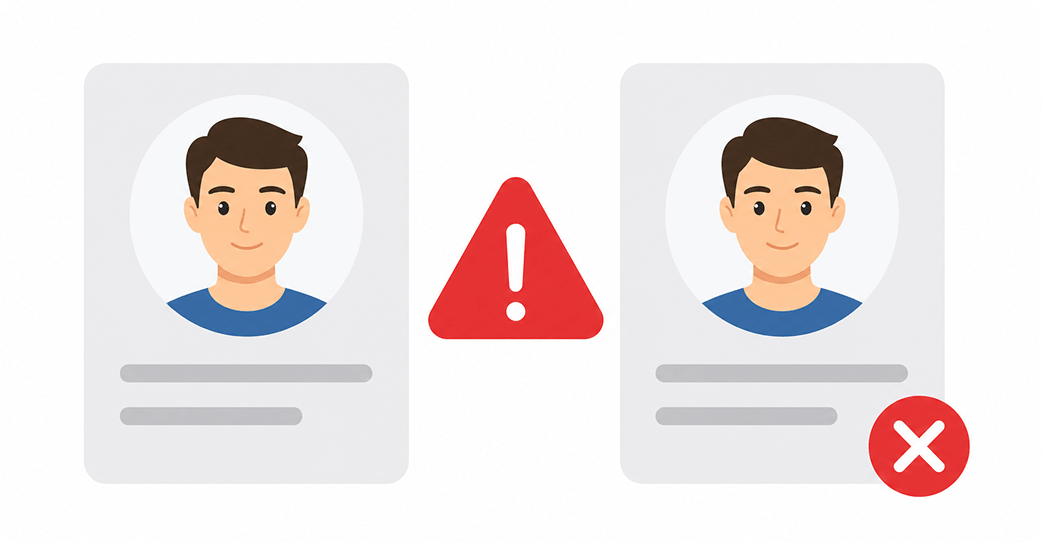
5. Duplicate Account
- Verification is being performed by a user with duplicate documents or information in our platform/database.
FAQ
Contact your Envia.com advisor for status.
You may have to repeat the process if a document was rejected or an error was detected.

Did you find this resource useful?