

Tray
Easily integrate your Tray store with Envia.com to automate shipments, calculate rates in real time, and generate automatic labels. This guide shows you how to connect your ecommerce, set the key settings, and enable the quote tool at checkout.
Connect your Tray store with Envia.com
Section titled “Connect your Tray store with Envia.com”- Sign in to your Envia.com account.
- Go to Ecommerce Pro > Connect Store.
- Click Integrate my ecommerce and select Tray.
- Enter your Tray store URL and click Continue.
- Verify the email registered in Envia.com and confirm the connection by clicking Continue.
That’s it! Your Tray store is now connected with Envia.com.
Set up your store in Envia.com
Section titled “Set up your store in Envia.com”You make these settings from your Envia.com dashboard. They are required for the integration to work correctly.

Origin address and packages
Set where your shipments leave from and which packaging you use to calculate shipping rates
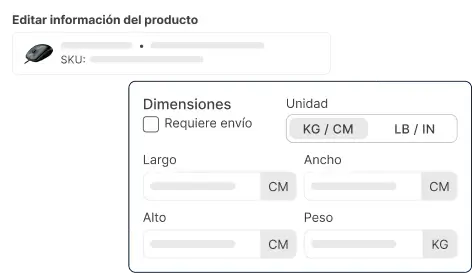
Products
Set the weight and size of each product. The system then calculates rates correctly and picks the right package
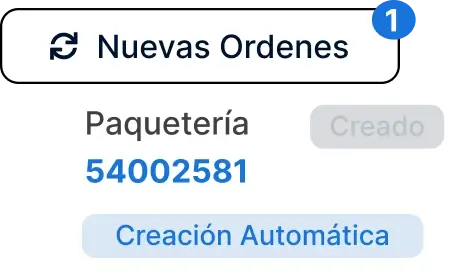
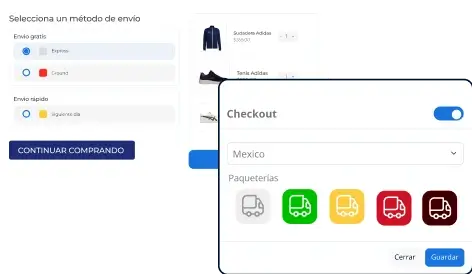
Store checkout
Show the shipping cost in real time when the buyer checks out. It improves the experience and avoids surprises
Enable the automatic quote tool
Section titled “Enable the automatic quote tool”This shows the shipping cost in real time to your buyers during checkout. It improves the experience and reduces shipping surprises.
From Envia.com
Section titled “From Envia.com”-
Go to Ecommerce Pro >Set up your store.
-
Select your Tray store.
-
Turn on Automatic quote at store checkout.
-
Choose up to four carriers to show at checkout.
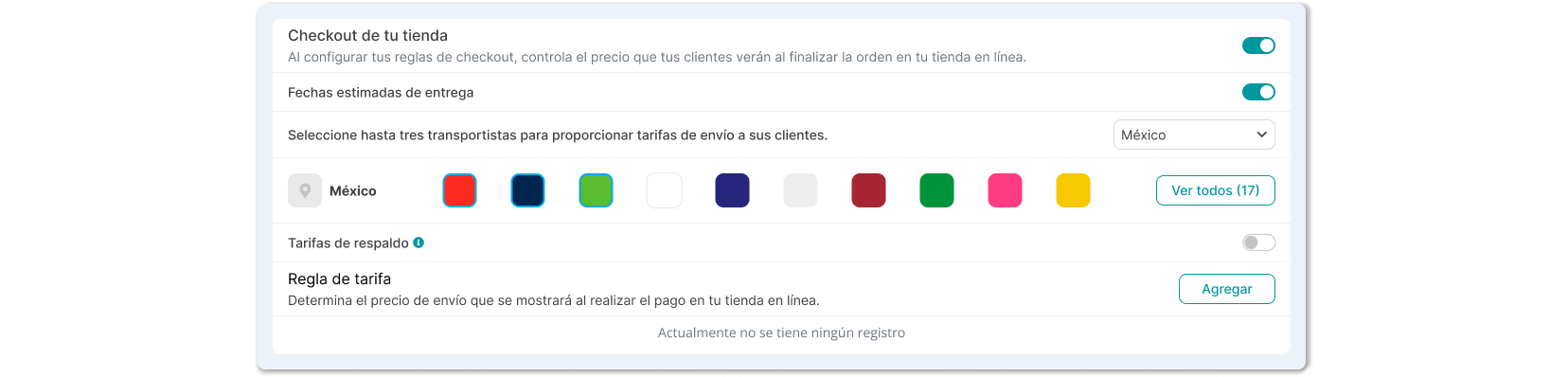
From Tray
Section titled “From Tray”- Open the admin dashboard of your Tray store.
- Go to Settings > Shipping and Delivery > General.
- Click External integration (in the upper-right corner).
- In the Main section, complete:
- Integration name: the name you want to use to identify the Envia.com integration.
- Tracking URL:
https://envia.com/tracking
- In the Configuration section, add the credentials you got from Envia.com:
- WebService URL
- Locality URL for pickup-point shipping
- Authentication token
- Confirm that the shipping method is enabled.