Scheduled maintenance on Envia.com: Thursday, October 29, 12:00–12:30 a.m. Login, APIs, and operations will be unavailable.


Yampi

Steps to integrate your Yampi store
Section titled “Steps to integrate your Yampi store”- Generate keys from Yampi
- From the dashboard, click the circle in the upper-right corner of the screen
- In the dropdown menu, select API Credentials
- Copy the Name, API Token, and Secret Key (You will need this information in step 5)
- Go to envia.com
- Go to Ecommerce Pro > Connect Store
- Click the Integrate my ecommerce button and select Yampi
- Enter the URL and name of your Yampi store. Then select Continue.
- Add the access credentials (Step 1), scroll to the bottom of the screen, and select Create.
That’s it! Your Yampi store is now integrated with Envia.com.
Set up your store in Envia.com
Section titled “Set up your store in Envia.com”You make these settings from your Envia.com dashboard. They are required for the integration to work correctly.

Origin address and packages
Set where your shipments leave from and which packaging you use to calculate shipping rates
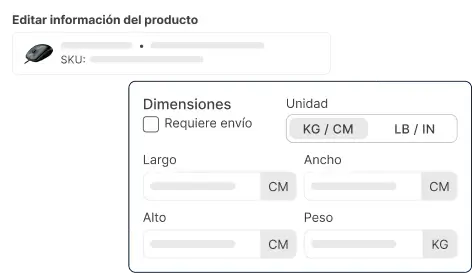
Products
Set the weight and size of each product. The system then calculates rates correctly and picks the right package
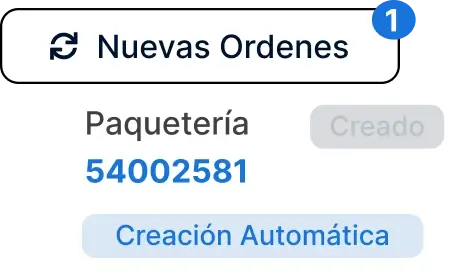
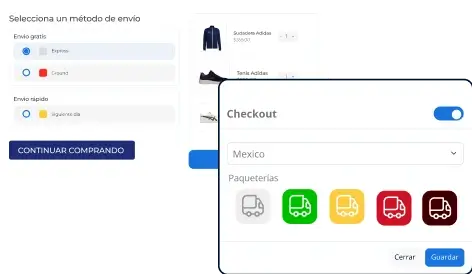
Store checkout
Show the shipping cost in real time when the buyer checks out. It improves the experience and avoids surprises