Scheduled maintenance on Envia.com: Thursday, October 29, 12:00–12:30 a.m. Login, APIs, and operations will be unavailable.


Enable international shipping
Before you can ship abroad with Envia.com, you need to enable International shipping in your profile. This lets you:
- Access international carriers directly from the platform.
- Quote and compare rates for different countries.
- Automatically generate the documents customs requires.
Enable international shipping
Section titled “Enable international shipping”-
Sign in to Envia.com
-
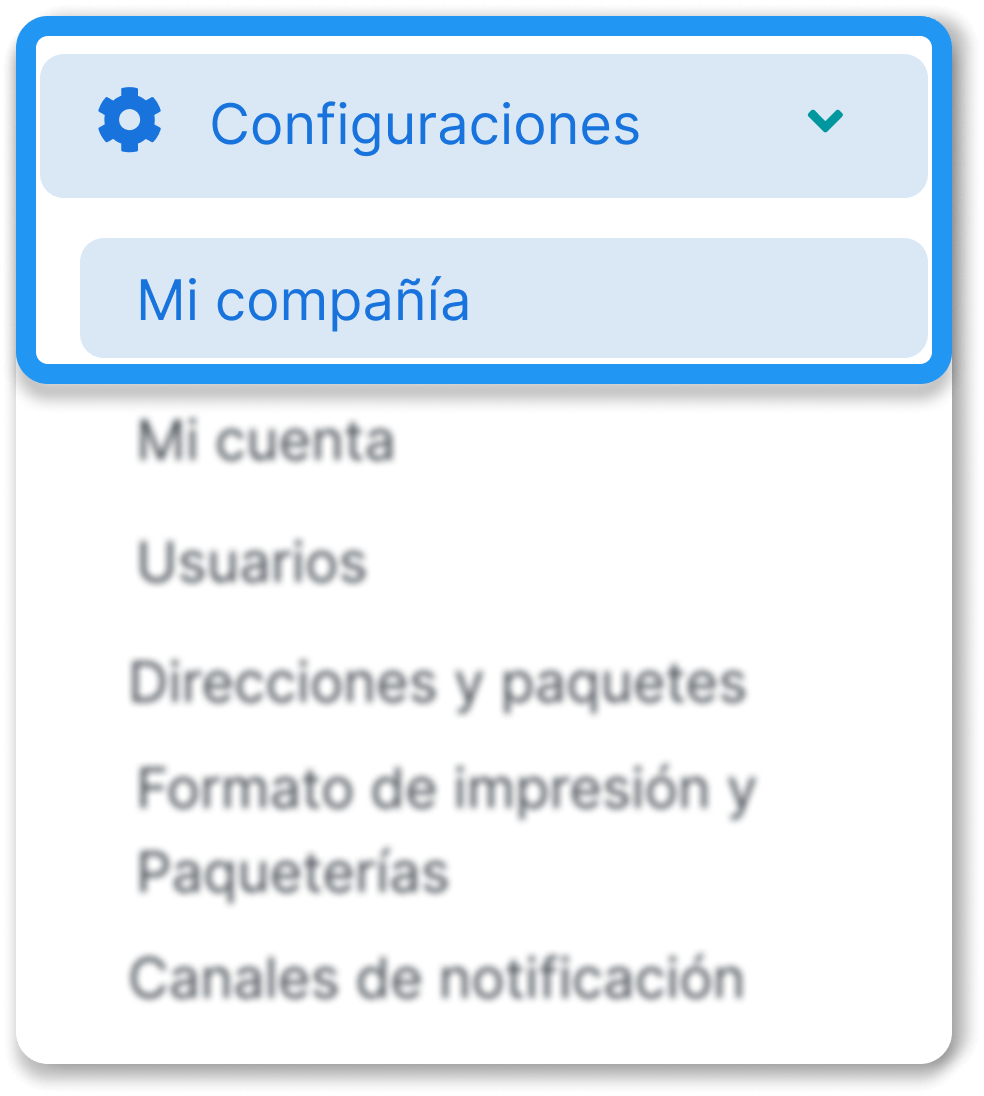
In the side menu, go to Settings and select My company.
-
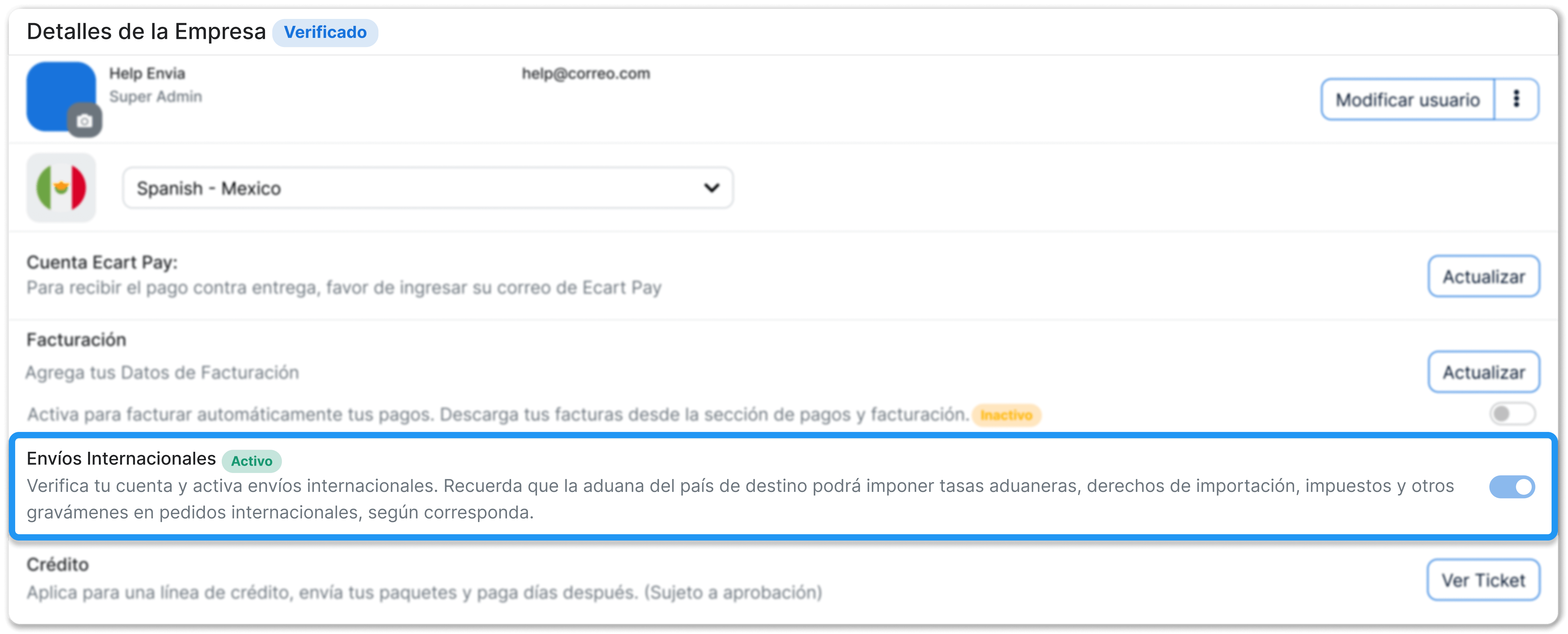
Enable the International shipping option.
Important notes
Section titled “Important notes”- To enable this feature, your account must be verified.
- If it is not verified yet, complete identity and company data verification in settings.
- Check that your company data and RFC/TAX ID are correct, because they are used later in the customs documents.
- Make sure the tax details on your account match the official ones. This helps you avoid problems when generating commercial invoices.