Scheduled maintenance on Envia.com: Thursday, October 29, 12:00–12:30 a.m. Login, APIs, and operations will be unavailable.


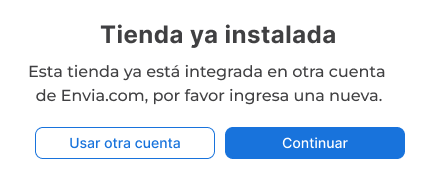
Why do I see the “Store already installed” message?
If you try to connect your ecommerce store in Envia.com and see the Store already installed message, that store was already linked to another Envia.com account.
Steps to resolve it
Section titled “Steps to resolve it”So the support team can help you release the store:
-
Copy the exact link (URL) of the page where the “Store already installed” message appears.
-
Send that link to the support team.
-
Make sure you use the correct username associated with the store, especially if you are connecting a marketplace.
Important considerations
Section titled “Important considerations”When the system asks for the store name, enter your marketplace username, not the platform name. For example, if you sell on Amazon, do not type “Amazon”. Enter your registered username. Entering the marketplace name can trigger the “Store already installed” error.