Scheduled maintenance on Envia.com: Thursday, October 29, 12:00–12:30 a.m. Login, APIs, and operations will be unavailable.


Reschedule a failed pickup
If a pickup did not happen, you can now reschedule it directly from the platform without contacting support or starting the process from scratch. This saves time, reduces errors by reusing the previous request data, and gives you more control over your shipments.
Steps to reschedule
Section titled “Steps to reschedule”-
Sign in to your Envia.com account.
-
Go to My Pickups.
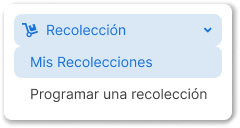
-
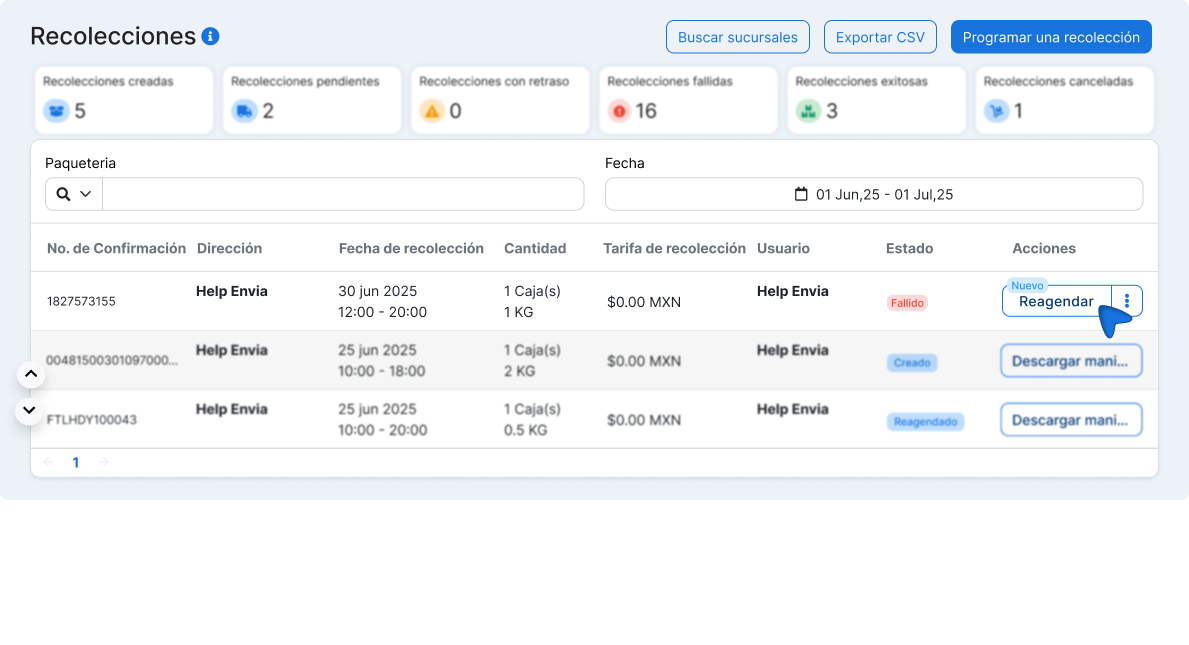
Find the shipment with a failed status and click the Reschedule button.
-
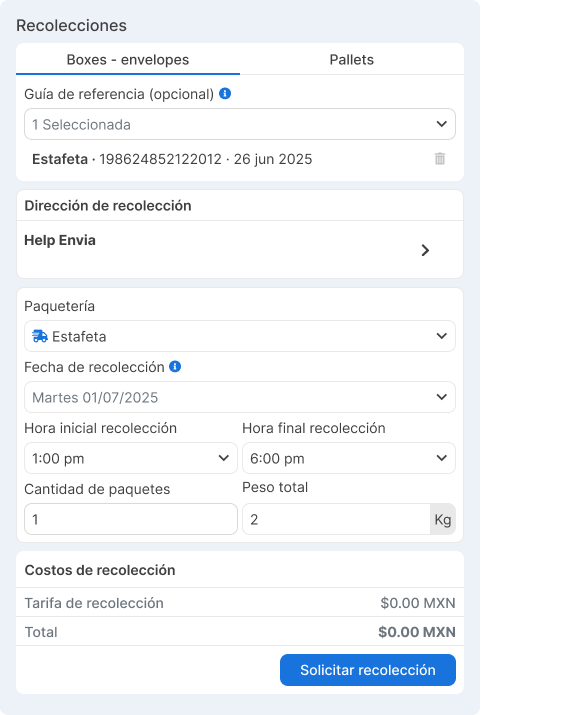
A form opens with the previous data already loaded. If the label is still active, it is selected automatically; if not, you can enter a new one.
-
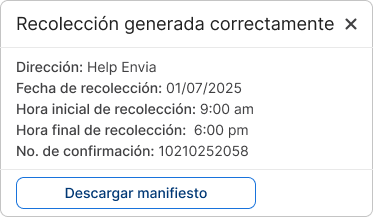
Review the data and confirm the new pickup.