Scheduled maintenance on Envia.com: Thursday, October 29, 12:00–12:30 a.m. Login, APIs, and operations will be unavailable.


Set up duties and taxes at checkout
Import duties and taxes are charges that destination countries apply to international packages. You can now decide who pays them in each of your connected stores, independently per store and based on the carrier you use. To use this feature you need at least one store connected in Ecommerce Pro and an international carrier configured.
Steps to set it up
Section titled “Steps to set it up”-
Sign in to your Envia.com account.
-
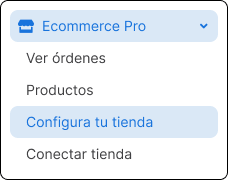
Go to Ecommerce Pro > Set up your account.
-
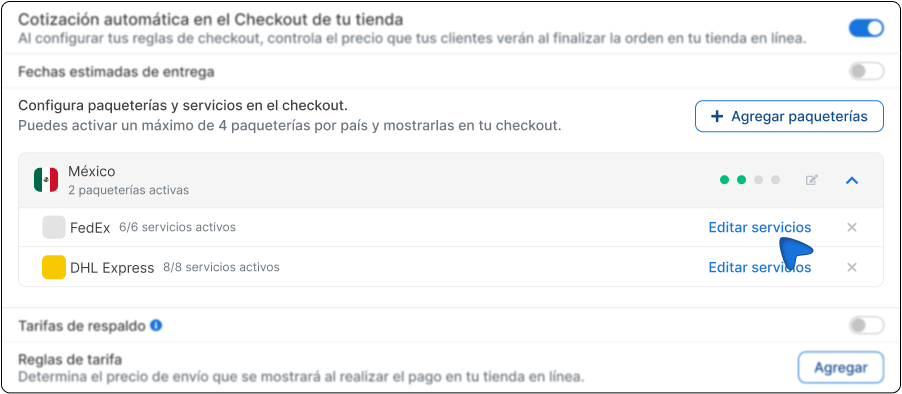
Find the Automatic quote at store checkout section and click Edit services.
-
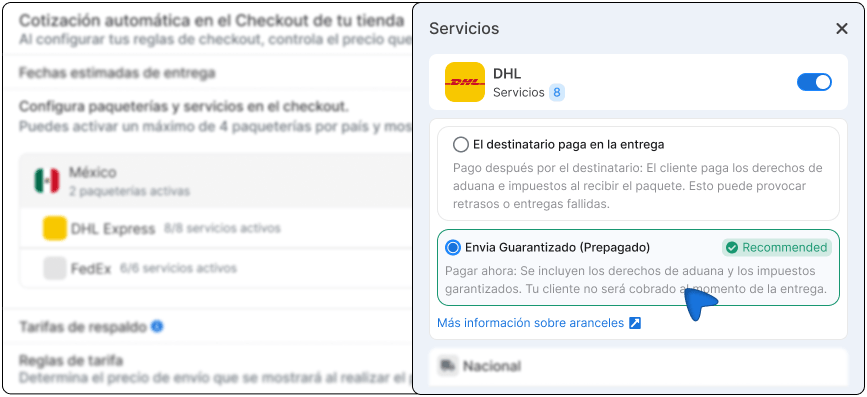
Choose how duties and taxes will be handled based on the options available for your carrier.
-
Save the changes.
Available options by carrier
Section titled “Available options by carrier”DHL International
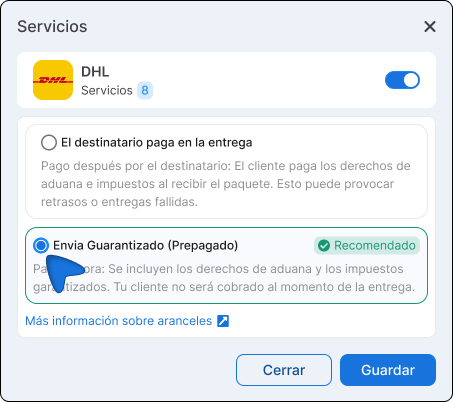
Section titled “DHL International”The recipient pays at delivery.
Your customer pays the duties and taxes when they receive the package.
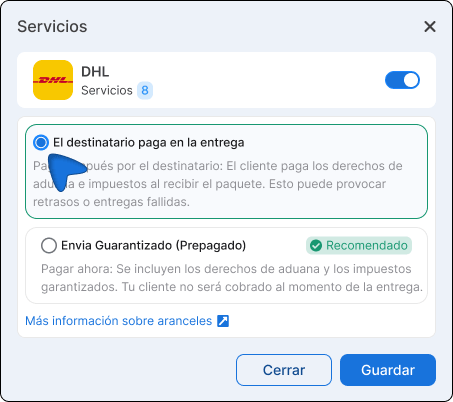
Envia Guaranteed (Prepaid).
Your customer sees and pays the duties and taxes in advance during checkout.
FedEx and UPS International
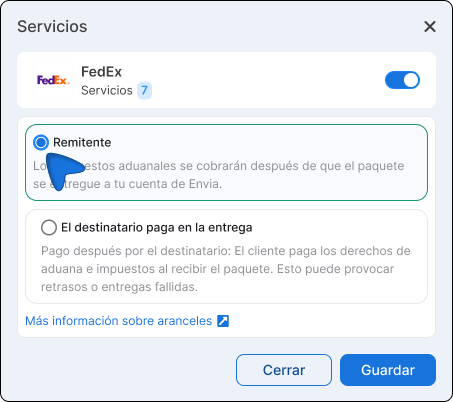
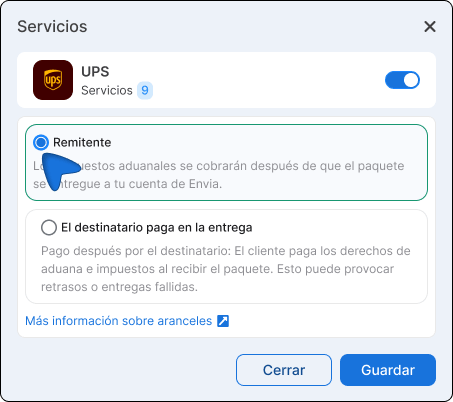
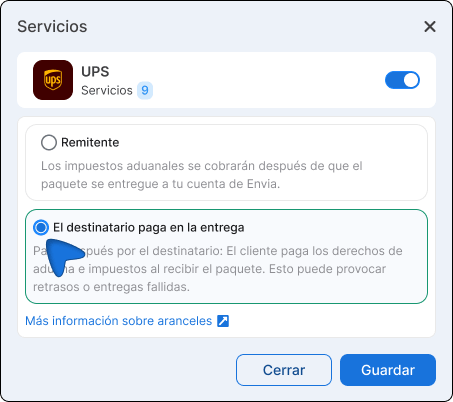
Section titled “FedEx and UPS International”Sender
Customs taxes will be charged to your Envia account after the package is delivered.
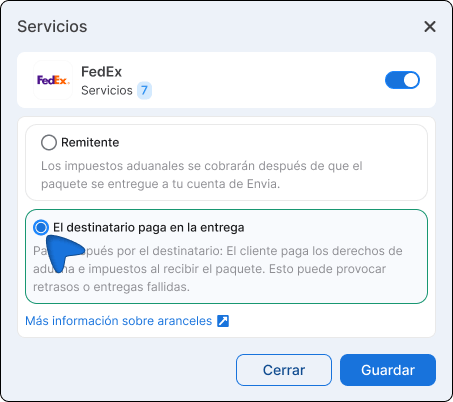
The recipient pays at delivery
Pay later by the recipient: The customer pays customs duties and taxes when they receive the package. This can cause delays or failed deliveries.
Breakdown in Shopify
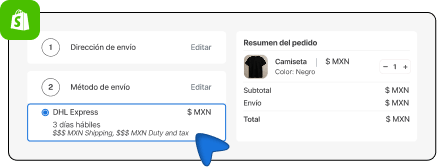
Section titled “Breakdown in Shopify”When you have Envia Guaranteed with DHL turned on, your customers will see the cost broken down directly at checkout before they confirm their purchase.
- Shipping cost
- Duties and taxes amount
- Total cost
Special cases and warnings
Section titled “Special cases and warnings”Platforms other than Shopify. If you have a store on another ecommerce platform with real-time rates, prepaid duties will be included in the total shipping rate. However, your customers will not see a detailed breakdown at checkout for now. Shopify is the first platform where this is visible separately.
Envia Guaranteed does not appear as an option. This option is available only with DHL for now. In future updates it will be enabled for more international carriers.
Setup per store. If you have several connected stores, remember that you must do this setup in each one independently.