Scheduled maintenance on Envia.com: Thursday, October 29, 12:00–12:30 a.m. Login, APIs, and operations will be unavailable.


Link a shipment to an order
Linking lets you relate a shipment that was already generated to a store order in Ecommerce Pro. This feature is useful when, for some reason, the shipment was not generated directly from the order, or when you need to associate it manually so the full history stays in one place.
When should you use this option?
Section titled “When should you use this option?”- When the shipment was generated from another platform or manually.
- If you forgot to link the label when you created the shipment.
- When you need to look up order information but do not have the tracking number.
Steps to link a shipment to an order
Section titled “Steps to link a shipment to an order”-
Sign in to Envia.com
-
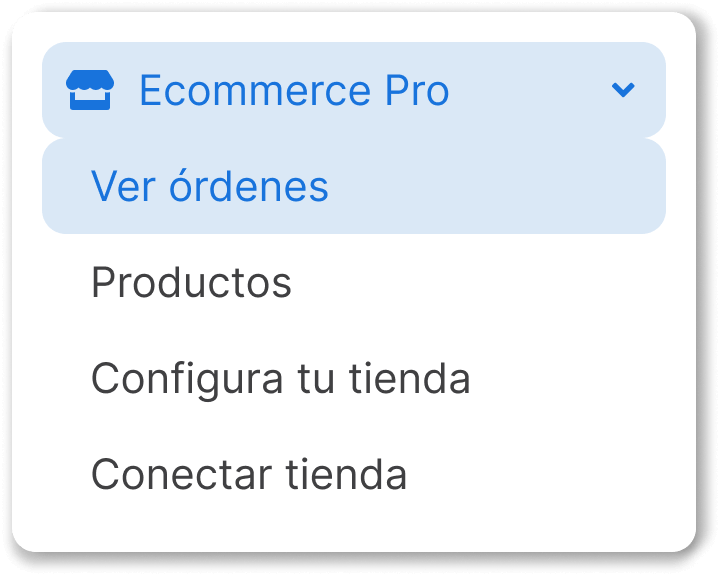
Go to Ecommerce Pro > View orders
-
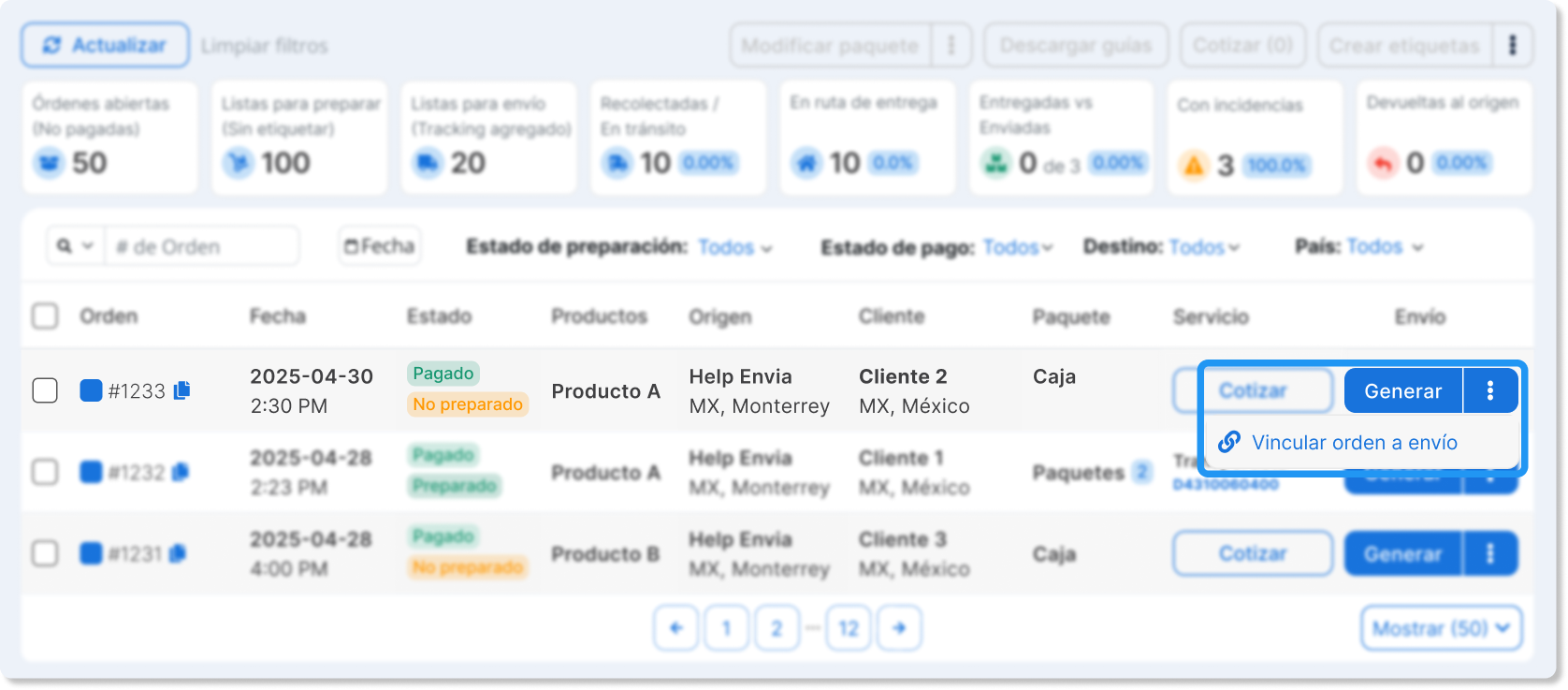
Click More actions in the shipment column.
-
Select Link shipment to order.
-
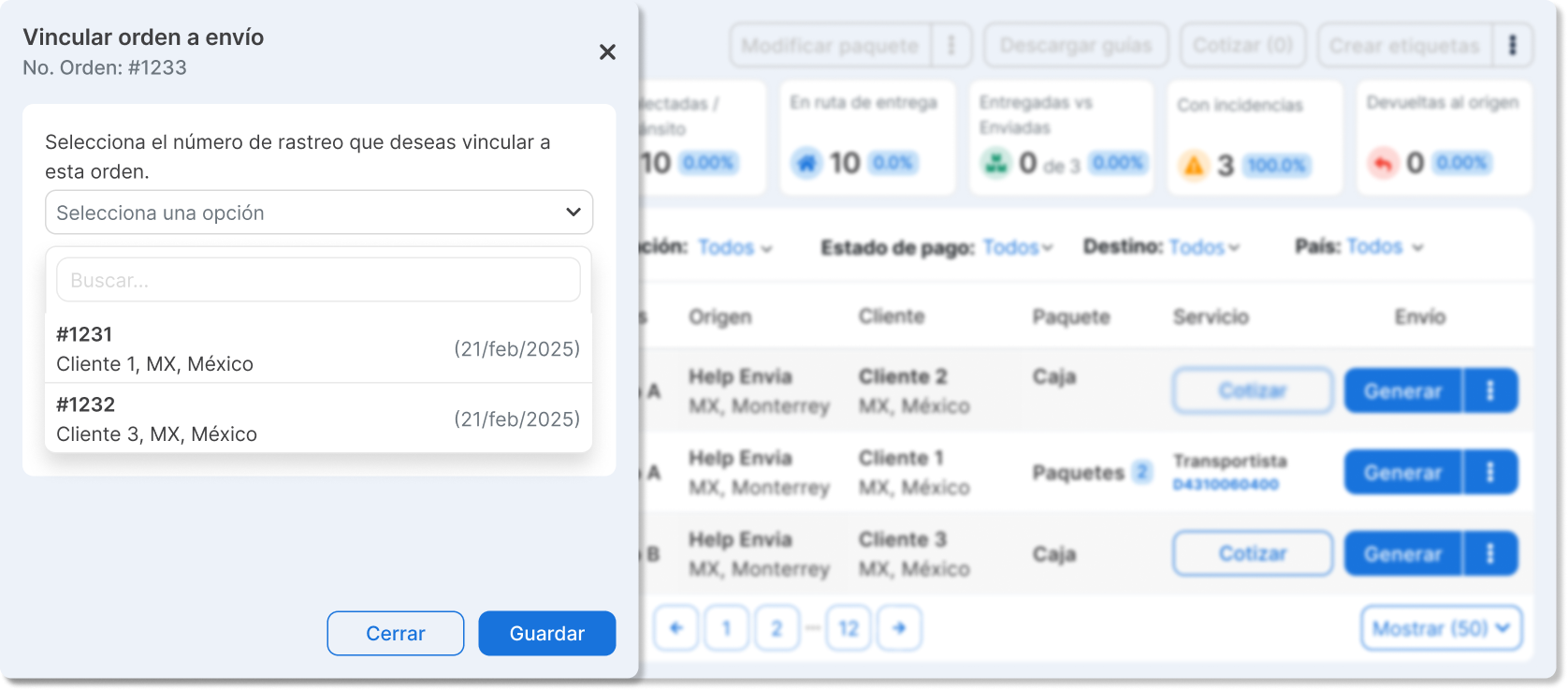
In the search field, type the recipient’s name or address.
-
Select the correct shipment and click Save.